
Run your vendor list like a pro
A ready-to-use Vendor Coordination Kit for independent craft fair organizers.
Vendor Tracking Table
| Vendor Name | Booth # | Status | Payment |
|---|---|---|---|
| Juniper Pottery | 14 | Accepted | Paid |
| Hollow Oak Candles | 22 | Waitlist | — |
| Maple & Thread | 27 | Declined | — |
Acceptance Email Template
Hi [Vendor Name],
We'd love to have you at our craft fair! Your booth is confirmed for [Event Date].
Please let us know if you have any questions.
Who this kit is for
Independent organizers of small craft fairs and makers markets who collect vendor applications and send booth, payment and load-in details by email, forms or spreadsheets.
Who it is not for: it is not a payment, booth-map or ticketing platform. It works alongside free tools that handle applications, payments and maps.
A complete vendor coordination kit — for organizers
Plan, track, and communicate with vendors effortlessly. This kit gives you everything you need to run a smooth, well-organized craft fair or makers market. It is made for event organizers, not individual vendors.
See what's included- Application Questions
- Vendor Tracking Table
- Acceptance, Waitlist & Decline Templates
- Payment Reminder Email
- Load-In Email Template
- Thank-You Email Template
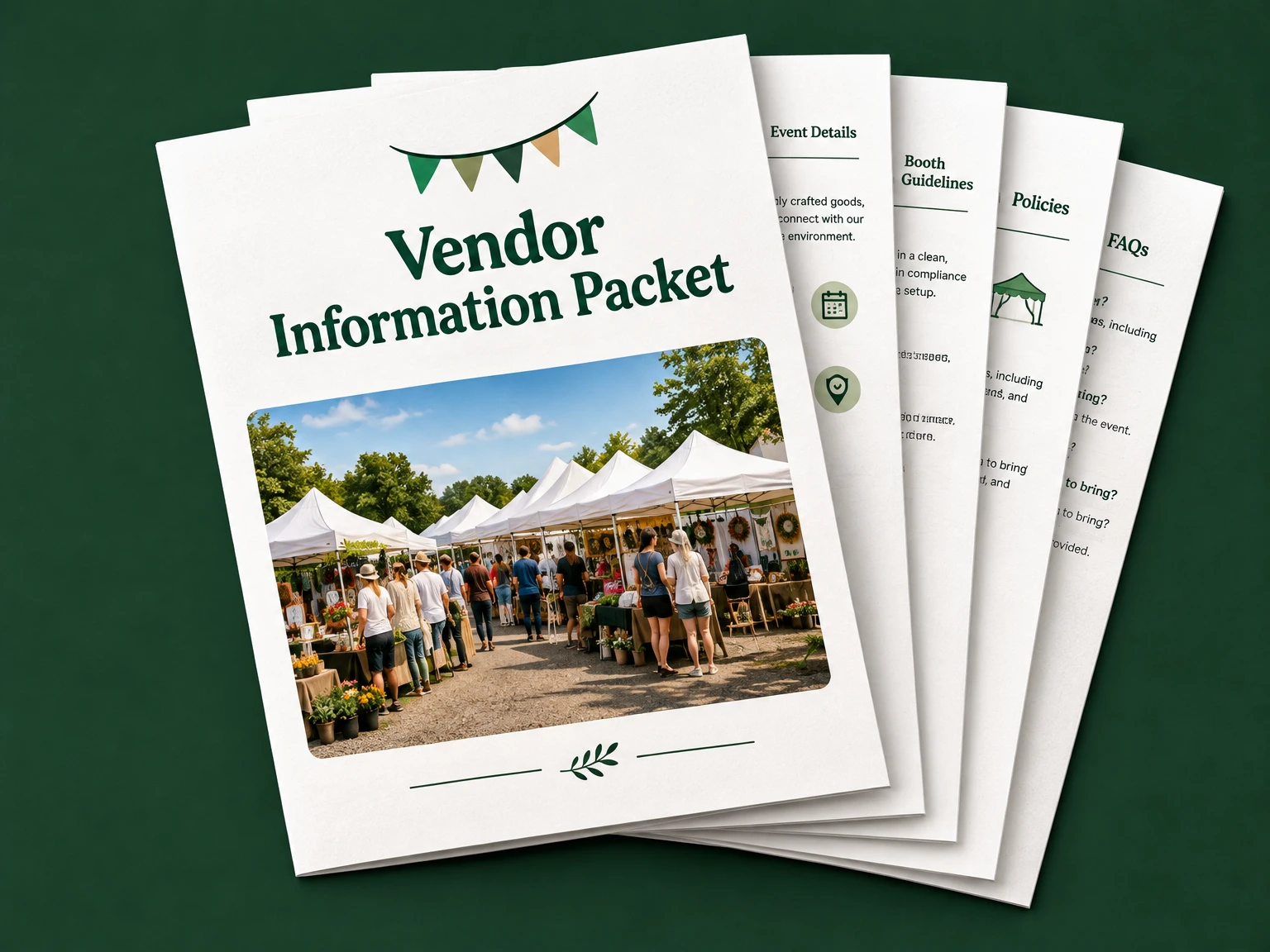
- Vendor Information Packet
- Event-Day Checklist
Vendor application questions
The kit's application form covers these questions. Edit them for each event and collect only what you need.
- Business or maker name; contact name, email and phone.
- Website or social link.
- What products will you sell? Describe your making process.
- Price range and links to product and booth photos.
- Preferred booth size and equipment you will bring.
- Electricity needs, if available.
- Dates available and any accessibility or setup needs.
- Relevant permits or insurance, if required for this event.
- Any food, sampling or other special considerations.
- I have read the event rules and agree to the stated booth fee and terms: yes/no.
A full vendor coordination kit
Buy once for $29 and copy or print each section: application questions, tracking table, emails, info packet, and more.
Explore the kitReuse the kit for every event
One purchase covers all your events. Follow these steps each time you run a new craft fair or makers market.
- Keep master copies. Store the original kit document and vendor tracker untouched. Never fill the masters in with real event details.
- Duplicate for each event. Make a copy of the kit document and a copy of the vendor tracker for every event, and name both for the event (for example, “Spring Makers Market 2027 – Kit” and “… – Tracker”).
- Update the event details. In the application and the vendor packet, update the event name, dates, venue, deadlines, fees, policies, contact information and local requirements. Replace every [bracketed] field and delete text that does not apply.
- Start a clean tracker. Clear the vendor rows in the new tracker but keep the column headings. For each applicant record contact details, status, booth, fee, payment, load-in, documents, next action and follow-up date.
- Follow up by status. Filter the tracker by status to see who needs a reply. Adapt the acceptance, waitlist, decline, payment reminder and load-in emails for each recipient and review them before sending.
- Run and close out the event. Use the event-day checklist on the day. Afterwards, reconcile the tracker against what actually happened, send thank-you emails and note improvements for next time.
- Archive and clean up. Archive finished events' copies somewhere secure and delete vendors' personal information once you no longer need it. Don't carry over old payment statuses or event details into a new event.
The full kit: copy or print each section
Try the acceptance email and sample tracking table above for free. The complete kit is a $29 one-time purchase. Replace the [bracketed] parts with your event's details.
Full vendor coordination kit and downloadable files
The complete kit is a $29 one-time purchase: application questions, the full tracking table, acceptance, waitlist, decline, payment reminder, load-in and thank-you emails, the vendor information packet, the event-day checklist, plus the Word kit and Excel vendor tracker to download.
Buy the vendor coordination kit
$29, one-time. Sign in, buy once and get the full vendor coordination kit and downloadable files: the Word kit and the Excel vendor tracker.
Organizer-only · local rules apply
Fairday Kit is for event organizers, not individual vendors. Event rules, permits, insurance and tax requirements vary by location.